Turn the Bidding Assistant on or off
- On the Dashboard, click Turn On Bidding Assistant to start. Click Disable Bidding Assistant to stop.
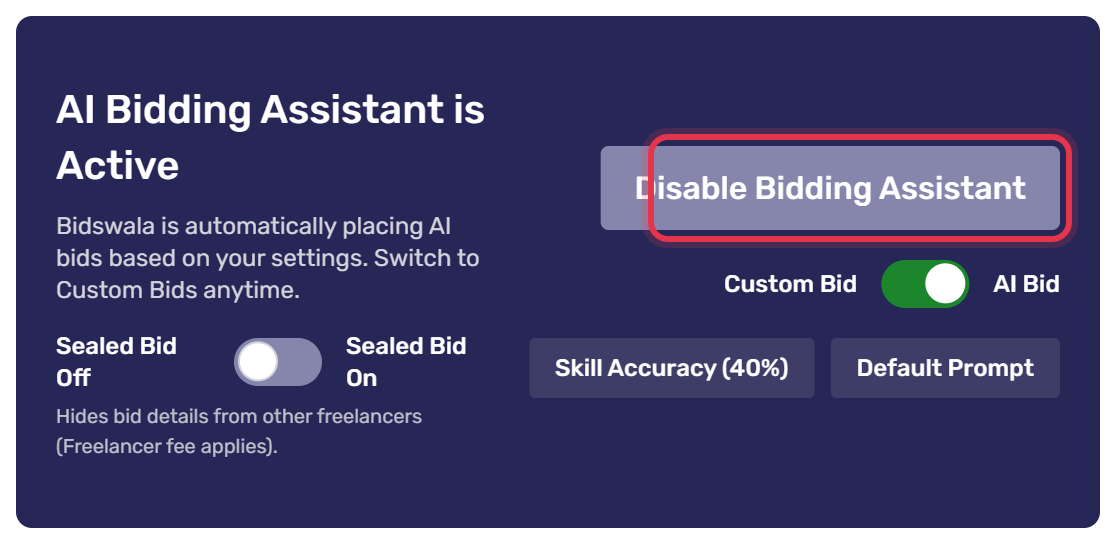
The top bar always shows the current state: Bidding Assistant Status: Enabled or Disabled. You can click it to switch too.

If it won't turn on:
- No Remaining Bids: your package has no bids left. Renew it under Pricing → Packages.
- No AI bids left: switch to Custom Bid first, if your package has custom bids.
- No active skills: open Skill Preferences, click Sync Skills and switch on the skills you want.
If the Bidding Assistant stops by itself, a red message on the Dashboard says why. Fix it, then click Mark as Read.
Was this article helpful?