Bids Placed Logs
Every bid shows in Bids Placed Logs at the bottom of the Dashboard.
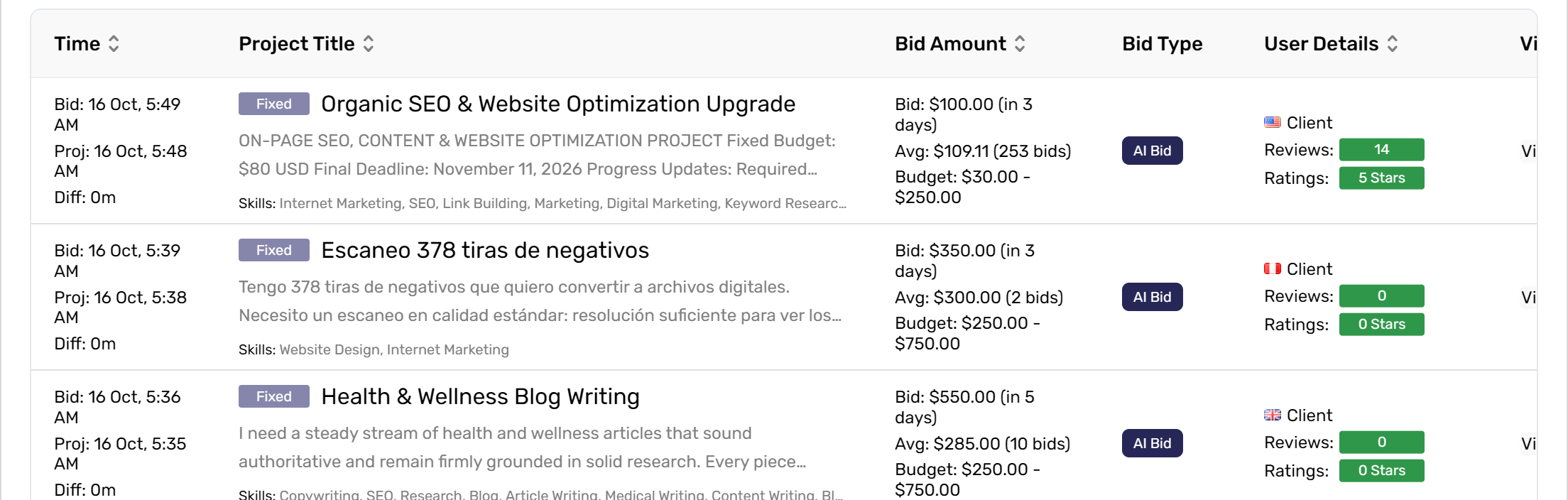
- Time: when you bid, when the project was posted, and the gap between them.
- Project Title: Fixed or Hourly, description and skills. Click the title to open the project on Freelancer.
- Bid Amount: your bid, the average bid and the client's budget.
- Bid Type: AI Bid or Custom.
- User Details: the client's country, reviews and rating.
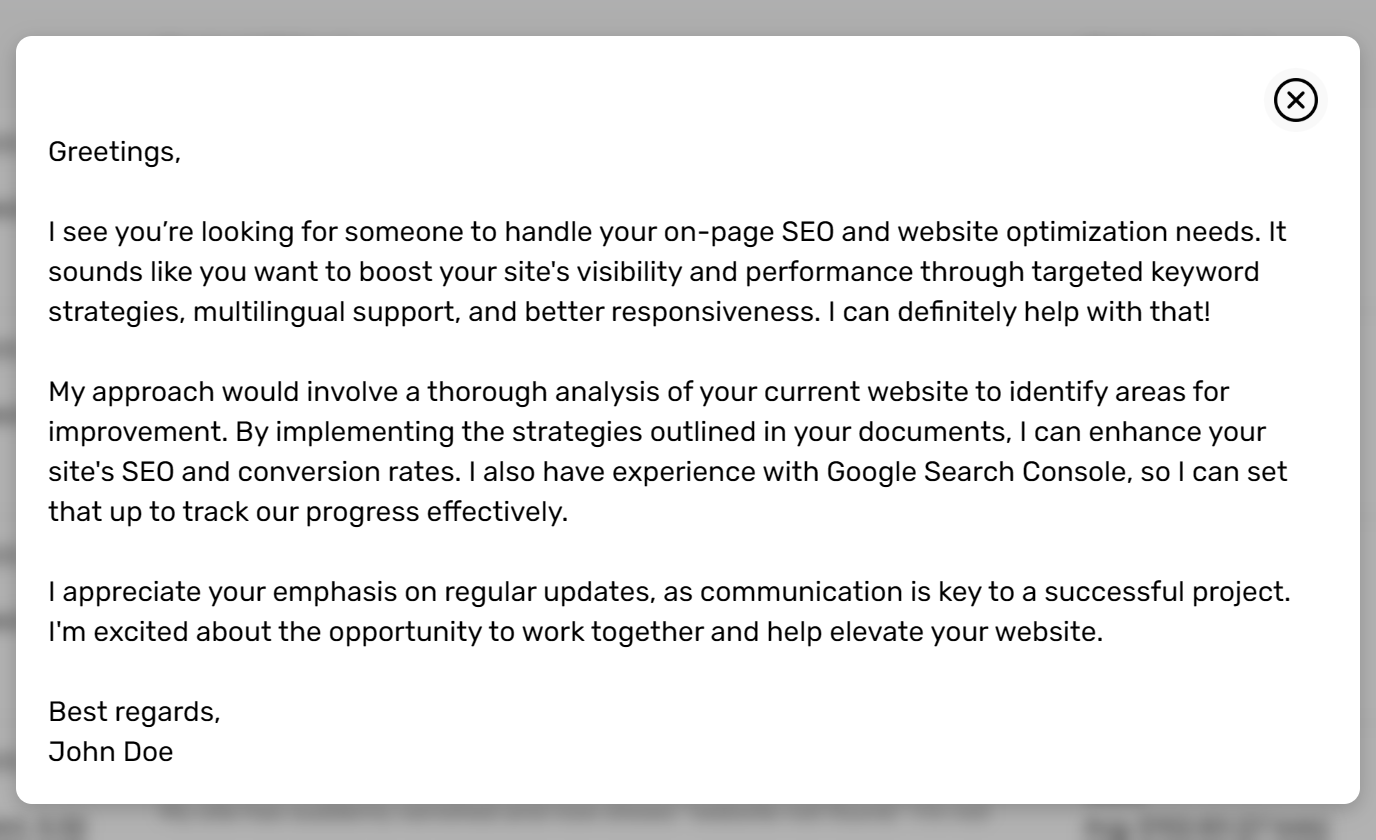
Scroll the table right and click View Bid to read the proposal that was sent.
Above the table, pick a date, show only AI or Custom bids, or click refresh. While the Bidding Assistant is on, the list refreshes every 30 seconds.

Was this article helpful?