Setup checklist
Do these once, in this order, before turning the Bidding Assistant on.
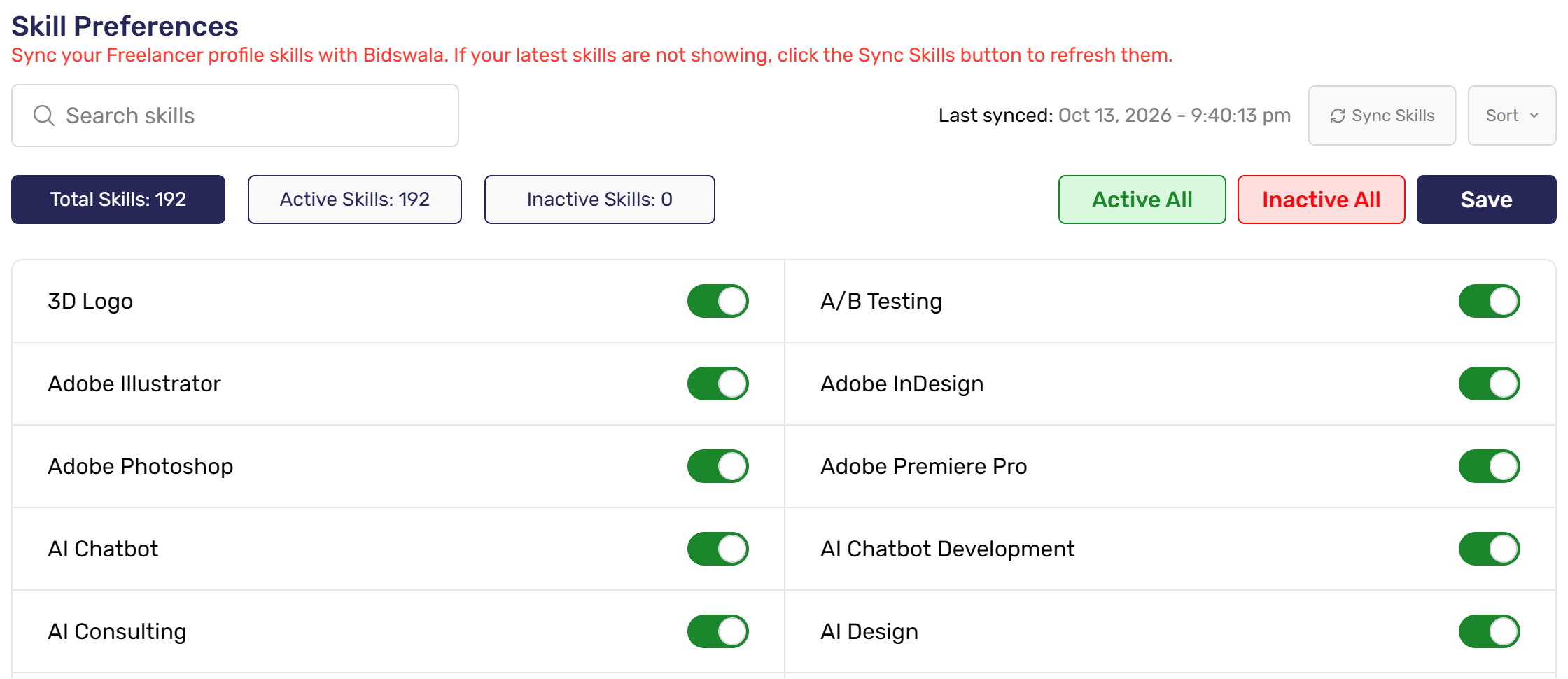
- Skill Preferences: click Sync Skills, keep on only the skills you want to bid on, then Save.
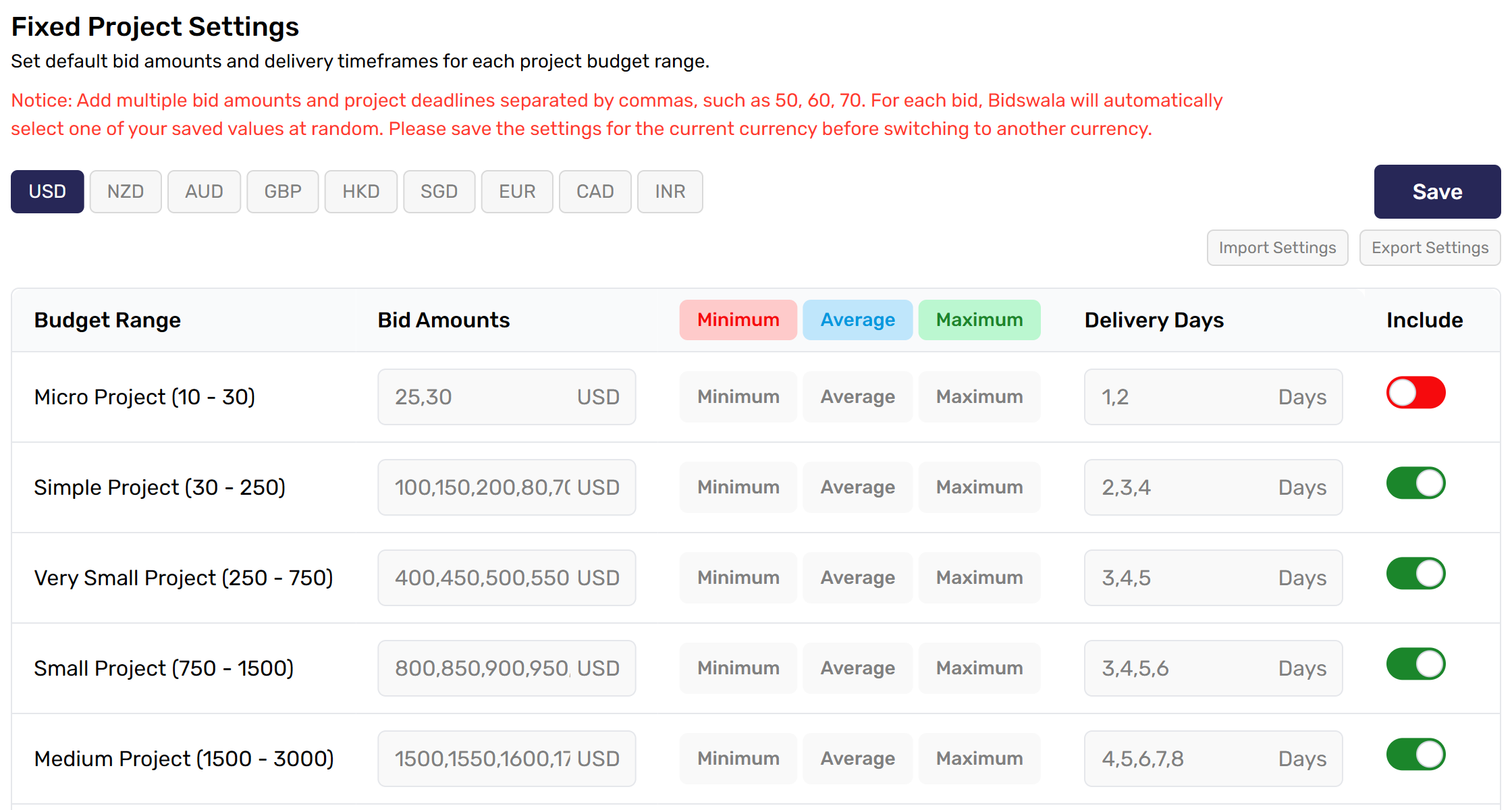
- Bid Settings → Fixed Projects (and Hourly Projects): set your bid amounts and delivery days for each budget range. Switch off ranges you don't want, then Save.
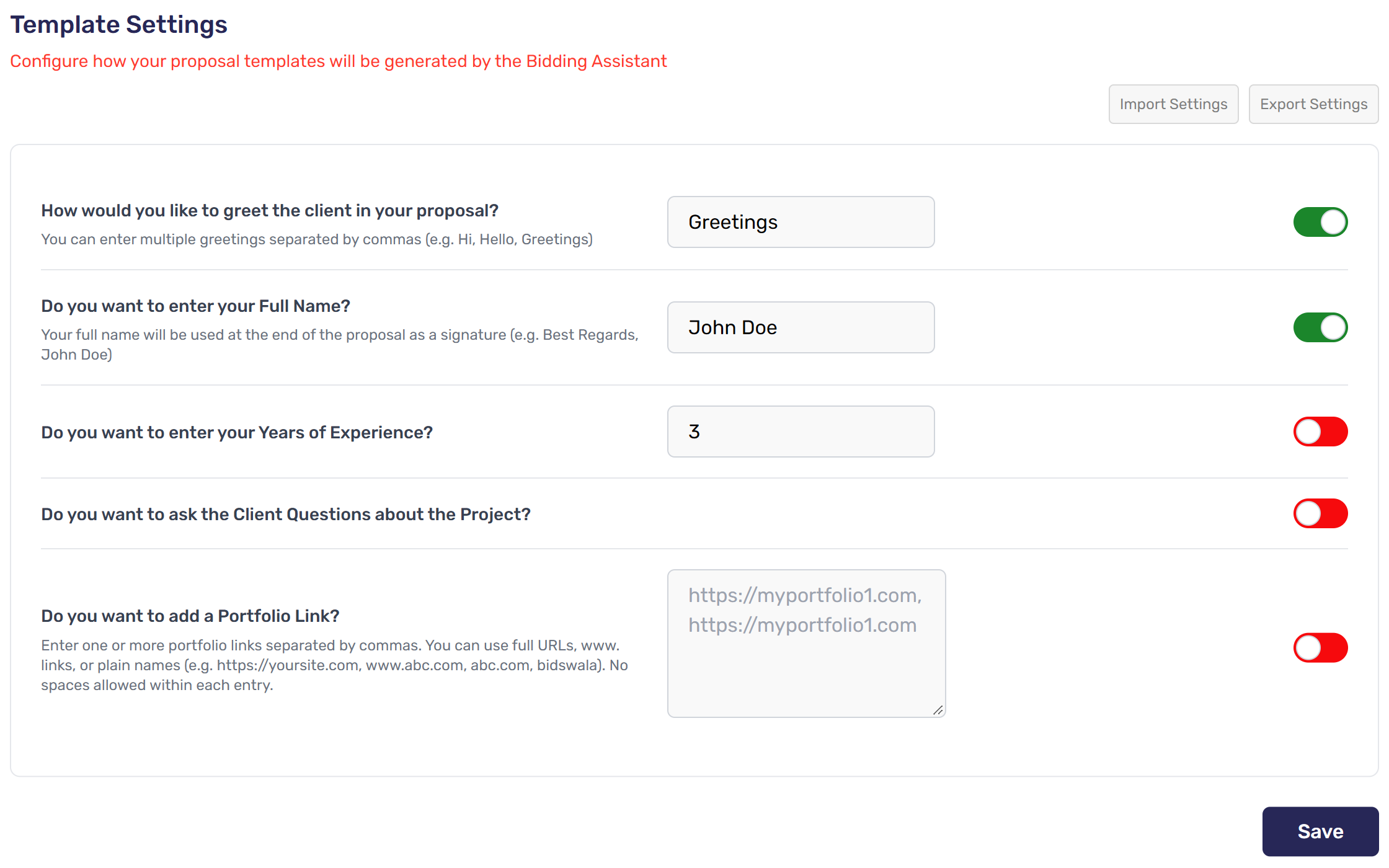
- AI Bid Settings → Template Settings: add your greeting and your name for the signature. Turn on the extras you want, then Save.
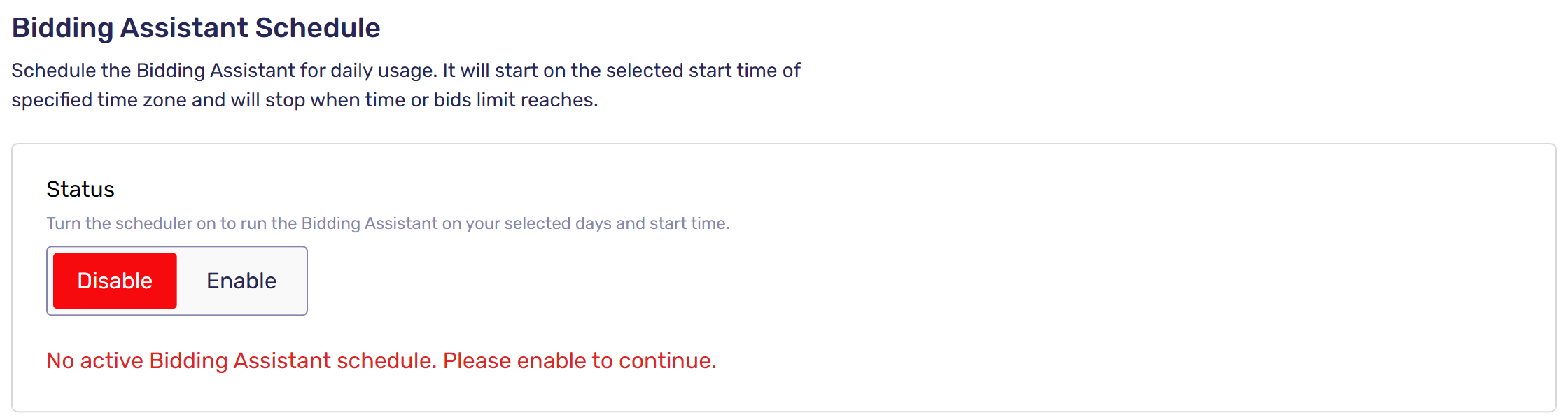
- Bidding Assistant → Bidding Assistant Schedule (optional): click Enable to bid only on chosen days from a start time.
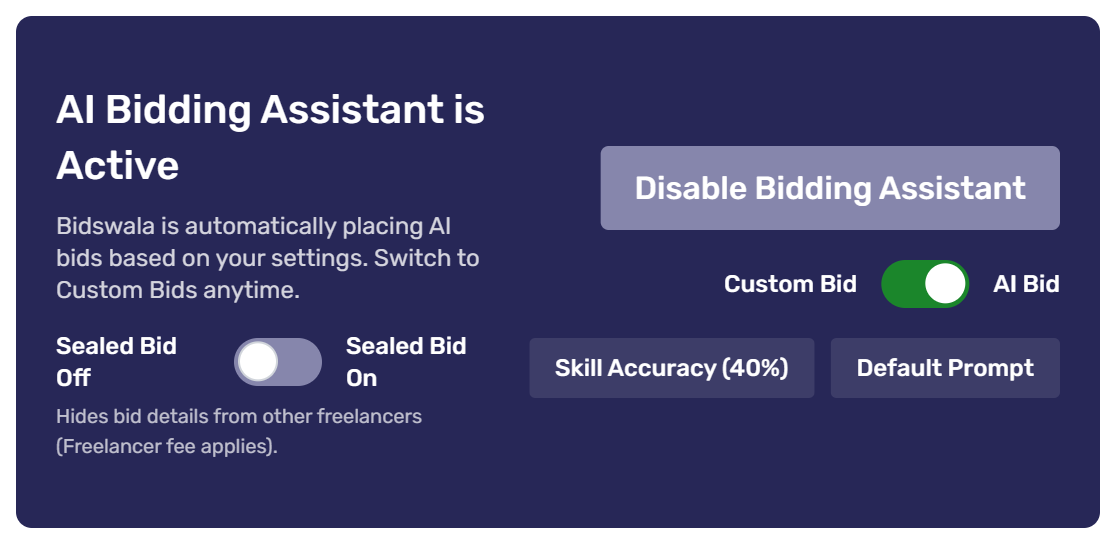
- On the Dashboard, pick AI Bid or Custom Bid with the switch and click Turn On Bidding Assistant.
Want to narrow it down further? Use Countries, Currencies, Client, Excluded Keywords and Excluded Skills under Bid Settings.
Was this article helpful?