Sign up & log in
- Open bidswala.com/register and click Register With Freelancer.
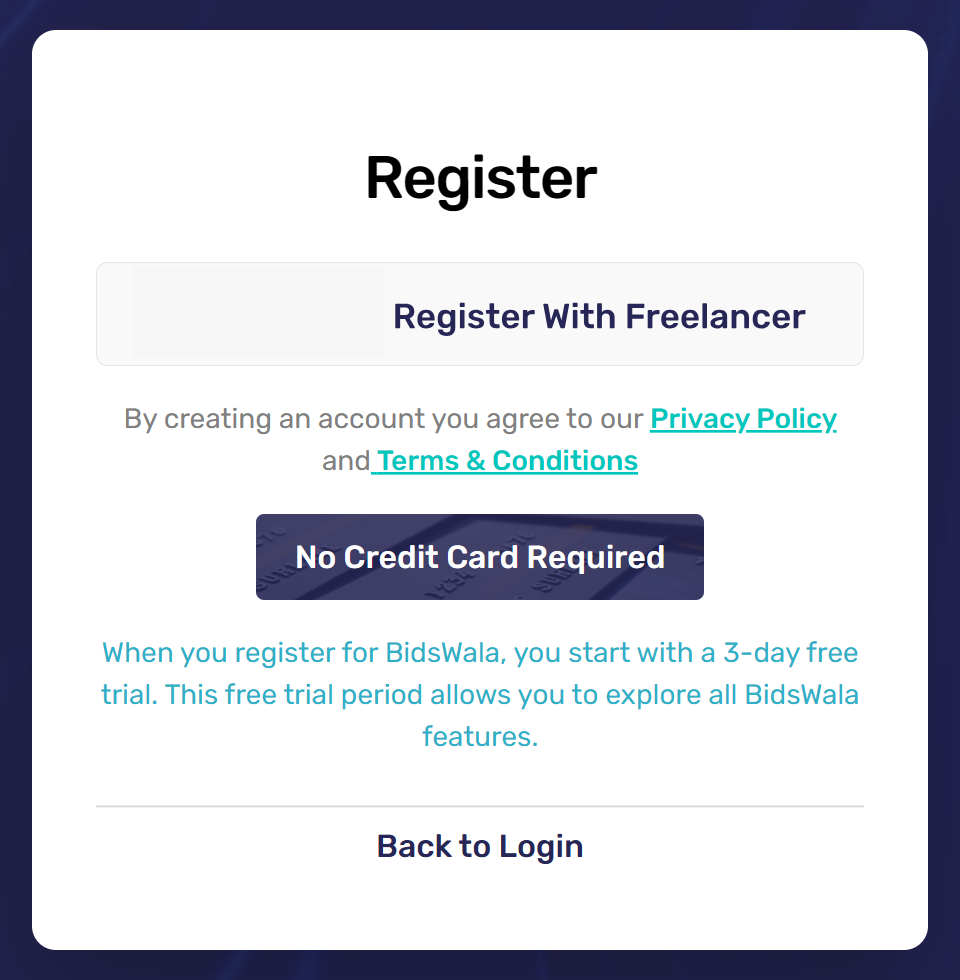
- On the Freelancer page that opens, allow Bidswala.
- Back on Bidswala, verify your email, add your name and phone number, and create a Bidswala password.
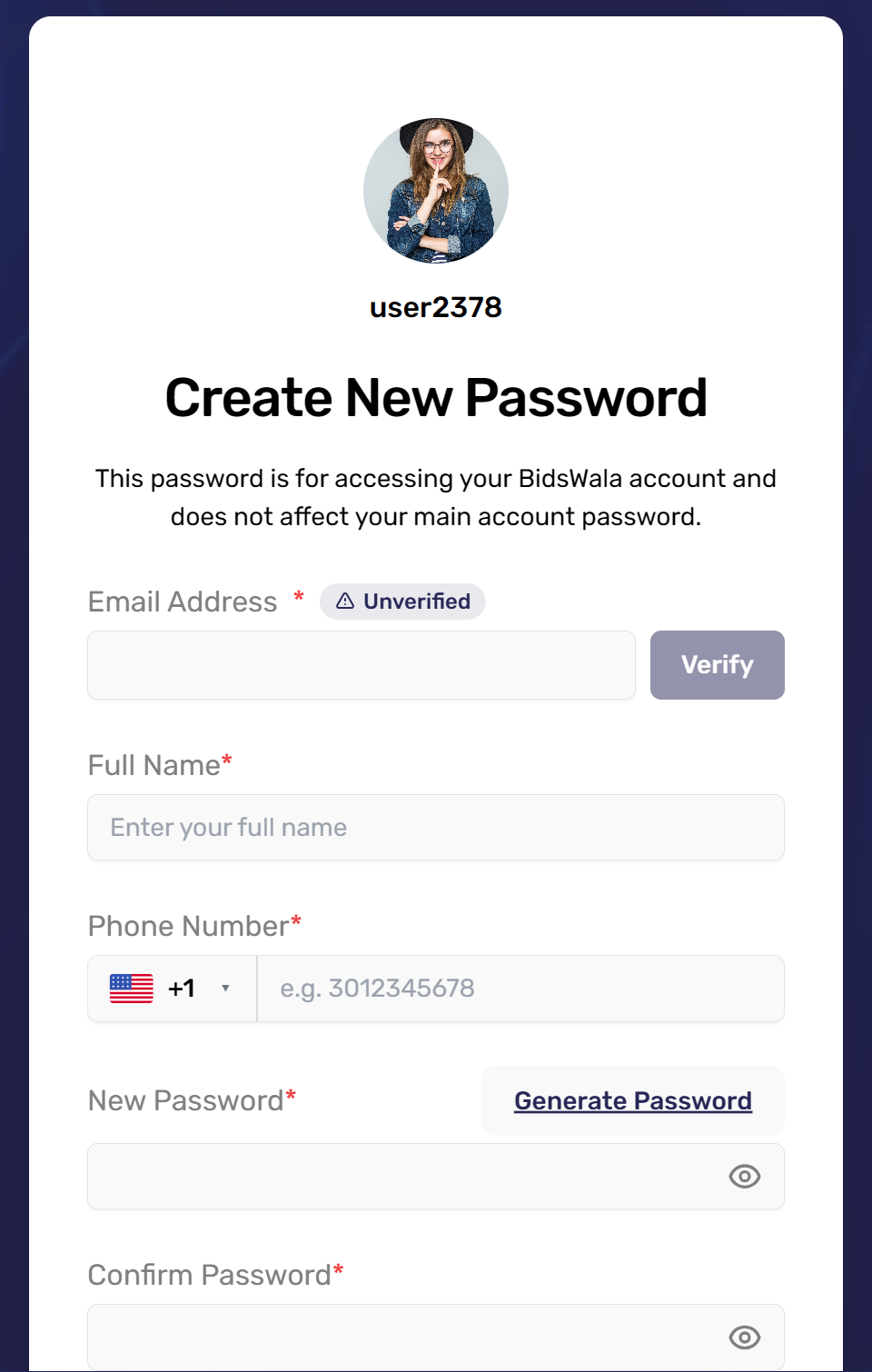
This password is only for Bidswala. Your Freelancer password does not change.
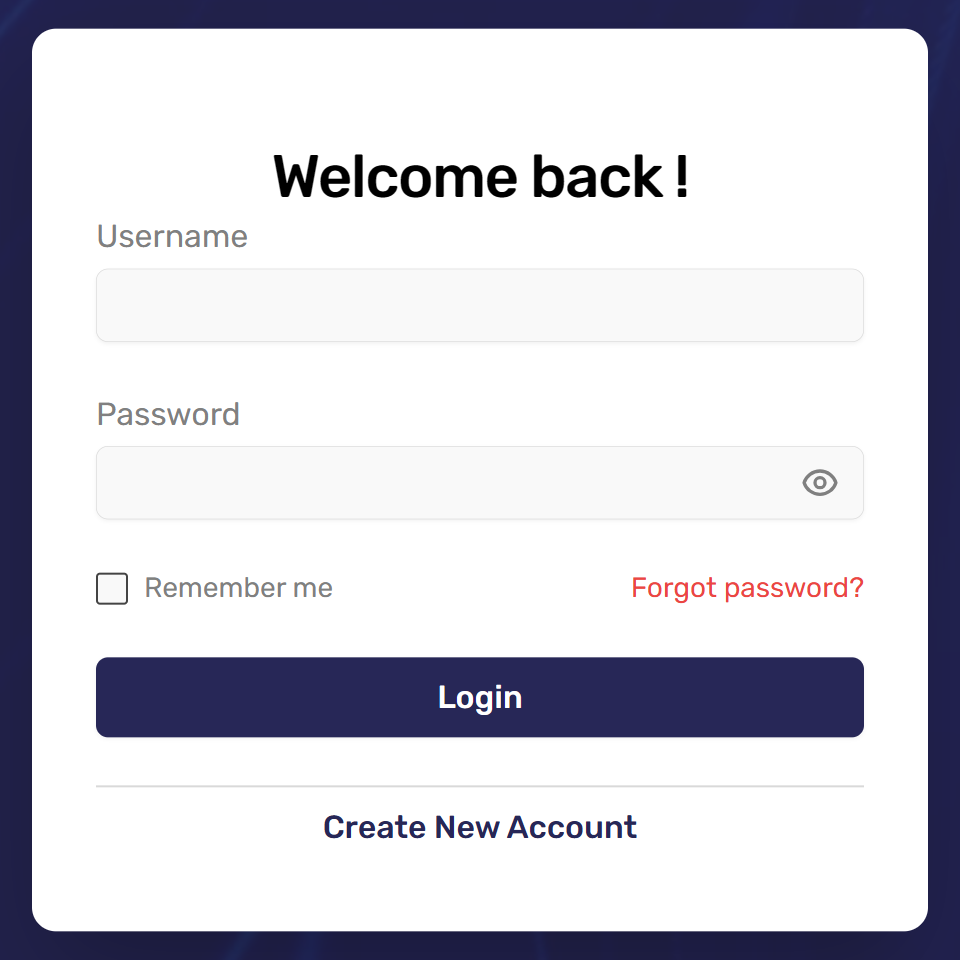
Log in at bidswala.com/login with your Freelancer username and your Bidswala password.
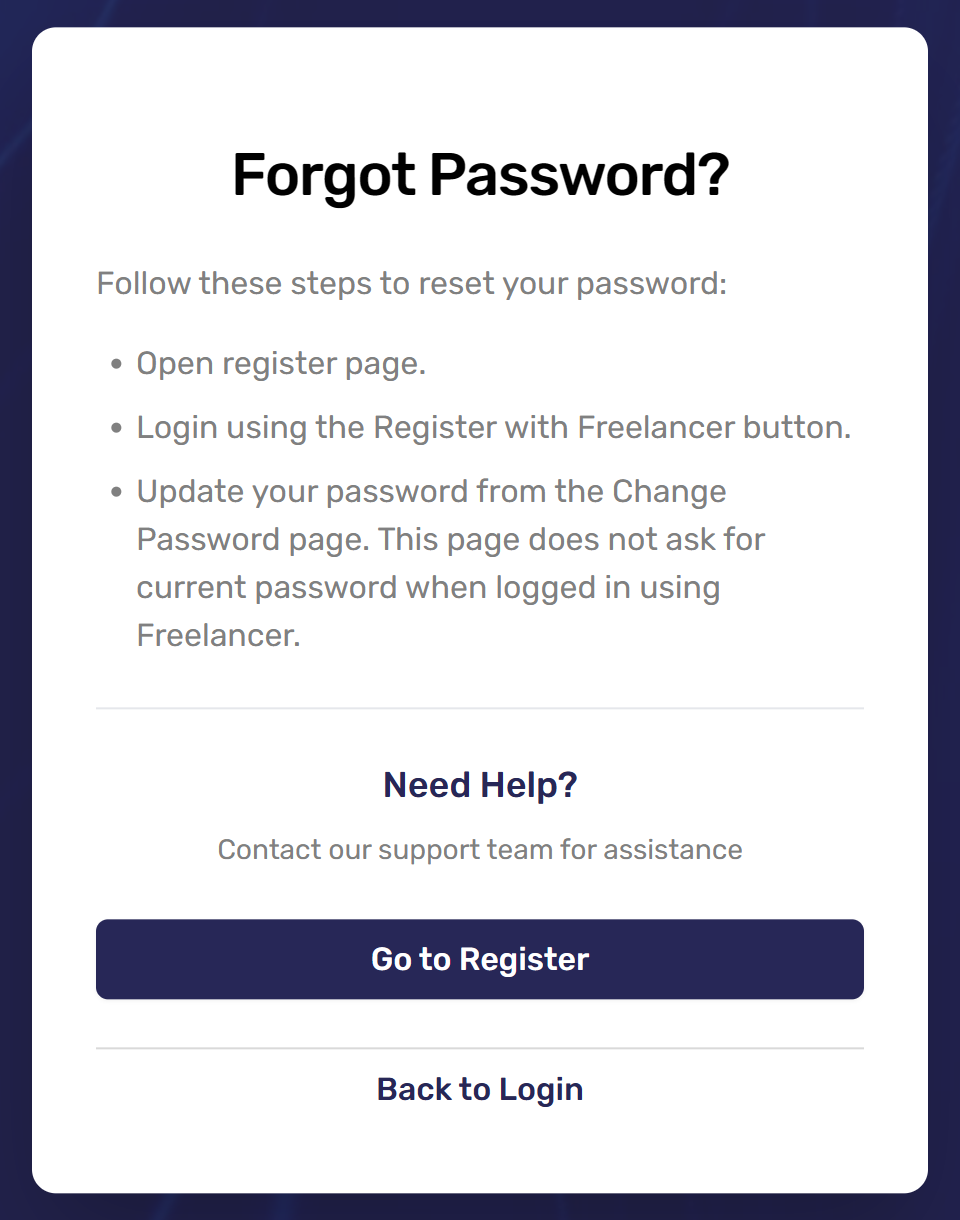
Forgot your password? Click Register With Freelancer again to get back in, then set a new one from your profile menu (top right) → Change Password. It won't ask for the old password.
Was this article helpful?