Bidding Assistant Schedule
- Under Status, click Enable. This saves straight away.
- Pick Everyday or Custom Days, your Time zone and a Start time.
- Set the delay, interval and limits (same as Bidding Assistant Setting), then click Save.
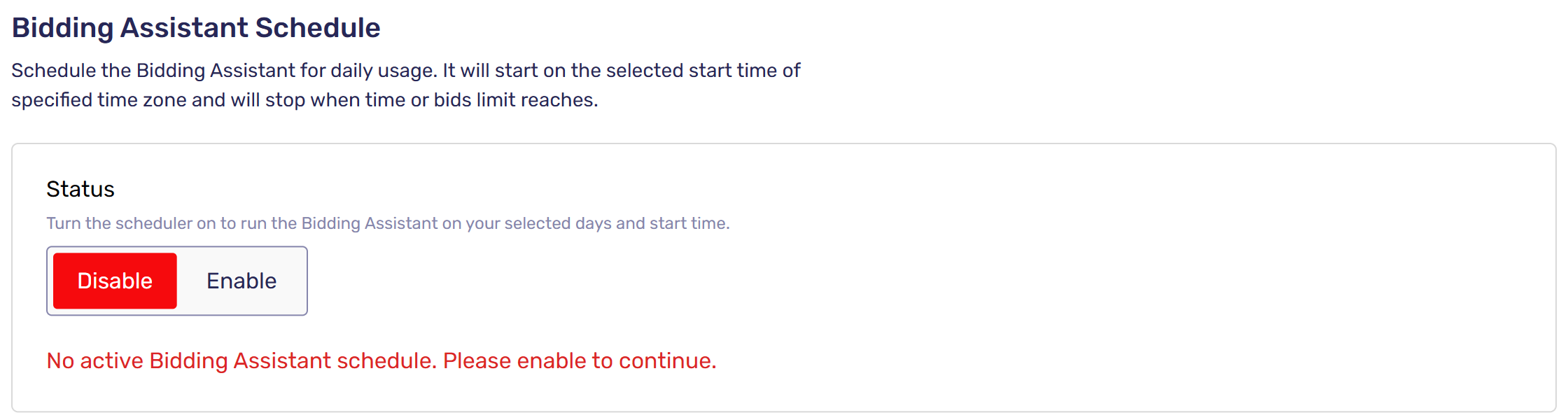
Each run stops when its time or bids limit is reached. If you already turned the Bidding Assistant on by hand, that day's scheduled run is skipped.
Was this article helpful?