Dashboard tour
- Top bar: Bidding Assistant status, your package and its expiry date.

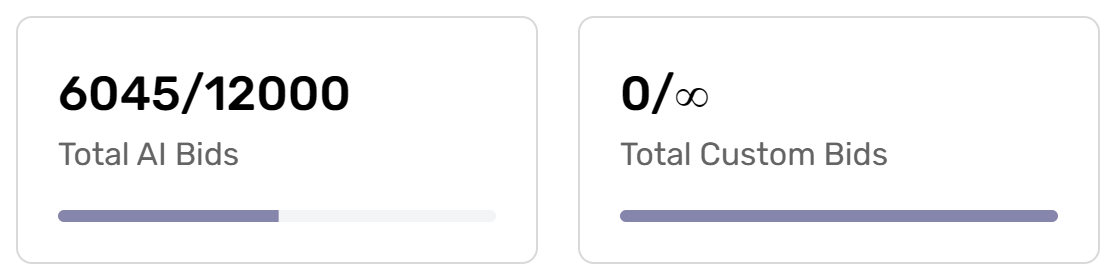
- Bid counters: AI bids and custom bids used out of your package limit.
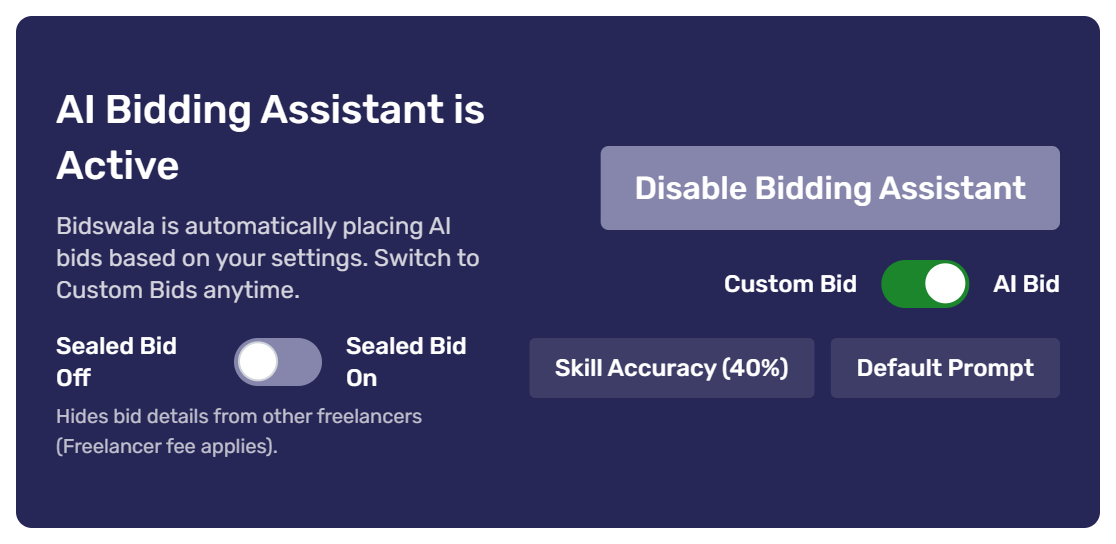
- Bidding Assistant card: turn the Bidding Assistant on or off, switch between AI Bid and Custom Bid, turn Sealed Bids on or off, and jump to Skill Accuracy or your default prompt.
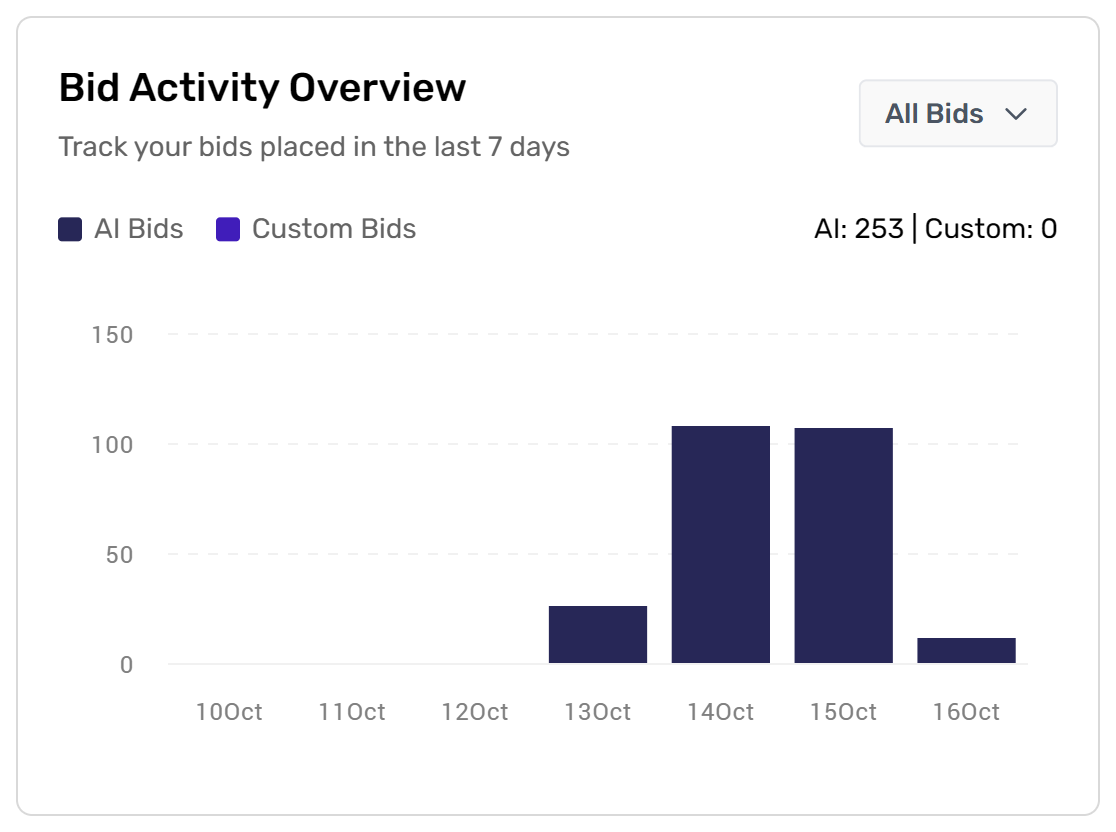
- Bid Activity Overview: bids placed in the last 7 days.
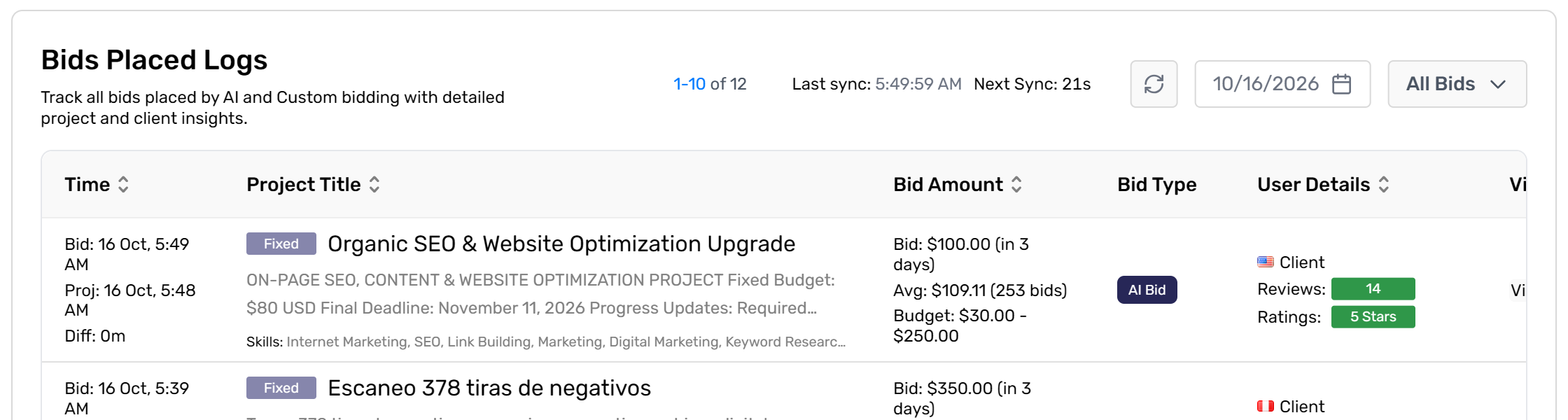
- Bids Placed Logs: every bid with the project, your amount, bid type and client details.
Every setting is in the left menu. Click Show Guide on any page for a quick on-screen walkthrough.
Was this article helpful?