Step-by-Step Guide to Setting Up Your Autobidder
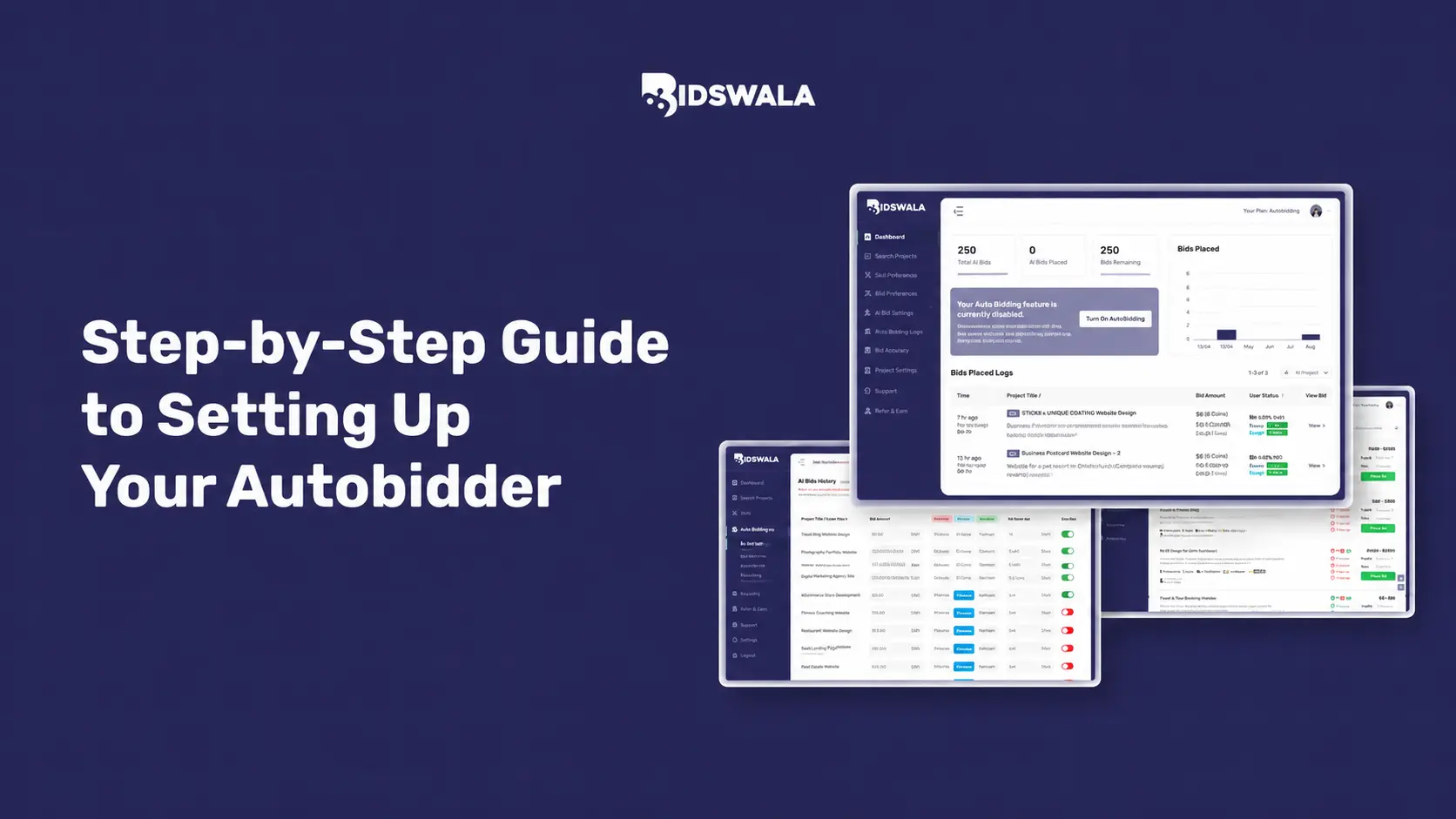
Timing is everything in the cutthroat freelance market. Often, the difference between securing a high-paying job and missing it comes down to who bids first. That is where a freelancer autobidder gives you an edge.
Bidswala's smart autobidder is built to help freelancers automate their bidding process. It helps you get ahead of the competition and win more contracts without needing to monitor job boards continuously.
This guide walks you through setting up your autobidder, optimizing it for your niche, and maximizing your earnings on freelance platforms.
What Is a Freelancer Autobidder?
A freelancer autobidder scans freelance job boards and bids on your behalf as soon as a suitable project is published. Instead of manually searching for work and writing proposals all day, the autobidder handles the repetitive workload for you.
It scans postings, compares them to your skills, and places competitive bids in real time.
Bidswala's autobidder goes beyond simple automation. It uses smart keyword targeting, custom proposal templates, and bid timing logic to help your bids feel personalized and professional, not robotic.
Why Use Bidswala's Autobidder?
Freelancers around the world rely on Bidswala for automatic freelance bidding because of its practical advantages:
- Speed: Bidswala places your bids within seconds after a new listing is posted.
- Consistency: With Bidswala, you never miss an opportunity, even while you are asleep.
- Scalability: You can manage bids across multiple categories and supported platforms at the same time.
- Customization: Choose your own bid price range, proposal tone, and preferred client base.
- Analytics: Use data-driven insights to follow your bid performance and refine your approach.
Step 1: Create Your Bidswala Account
Getting started with Bidswala is simple. Go to the official Bidswala website and register for a free or premium account. During registration, you will be asked to:
- Enter your freelancing profile information, including your name, skills, and experience level.
- Link your freelance platform accounts, such as Freelancer.com where supported by Bidswala.
- Verify your email address.
After this step, you will arrive at the Bidswala dashboard. This is your main control center for managing all autobidder settings once your account is live.
Step 2: Set Up Your Freelancer Profile
Before activating automated bidding, complete your freelancer profile with the essentials below:
- Primary Skills: List your core services, such as web development, digital marketing, SEO writing, or design.
- Experience Level: Choose beginner, intermediate, or expert. This influences how your bids are positioned.
- Hourly Rate or Project Budget Range: Set realistic pricing that aligns with your target market.
- Portfolio Links: Strong portfolio examples significantly improve proposal acceptance rates.
A fully optimized profile helps Bidswala's algorithm match you with suitable job postings more accurately.
Step 3: Configure Your Keyword Targeting
The freelancer autobidder is powered by keyword targeting. This step defines which job listings should trigger automated freelance bidding process. On the Bidswala dashboard:
- Navigate to Autobidder Settings > Keyword Filters.
- Add relevant keywords for your field, such as Python automation, SEO content writer, or WordPress developer.
- Include negative keywords to block unrelated listings, such as unpaid, volunteer, or entry level if you are targeting expert work.
- Choose keyword match types: exact match, broad match, or phrase match.
Precise keyword targeting reduces unnecessary bids and can improve your bid-to-hire conversion rate significantly.
Step 4: Write and Save Proposal Templates
One of the biggest misconceptions about freelance bid automation is that it creates impersonal, generic proposals. Bidswala solves this by using dynamic proposal templates that auto-fill project-specific information.
To create your templates:
Open Proposal Templates
Navigate to Proposal Templates from your dashboard.
Create a New Template
Select Create New Template and draft a proposal that highlights your relevant experience.
Use Dynamic Variables
Personalize each bid using Bidswala variables such as project title, client name, and required skill.
Save Multiple Variants
Keep separate templates for different niches, service categories, or client types.
Pro tip: Keep your opening line strong and client-focused. Mention a specific advantage you offer instead of starting with a generic sentence about years of experience.
Step 5: Set Bid Amount Rules
Smart bid pricing is essential if you want to win projects without undervaluing your work. Bidswala lets you create automatic bid rules based on:
- Project budget range: Only bid on projects that match your preferred budget brackets.
- Hourly vs. fixed pricing: Set separate rules for different project types.
- Competitive adjustments: Let the system slightly adjust bids using competitive signals.
Go to Autobidder Settings > Bid Rules and configure these carefully. A floor price helps you avoid low-value engagements, while a ceiling keeps you competitive.
Step 6: Schedule Your Autobidder
To maximize visibility, Bidswala lets you schedule your autobidder to run during peak activity windows.
- Define active hours based on your target client's time zone.
- Allow 24/7 bidding on global platforms, or limit activity to business hours for local markets.
- Set bidding frequency limits to avoid spam flags on platforms with bid caps.
Scheduling flexibility is one of Bidswala's most useful and underused features.
Step 7: Activate and Monitor Your Autobidder
Once everything is configured, switch your autobidder status to active from the dashboard. Bidswala will begin looking for suitable job postings and submit proposals on your behalf within minutes.
Track performance through the analytics panel:
- Bids Sent: Total bids submitted over a selected period.
- Response Rate: Percentage of clients who responded.
- Conversion Rate: Bids that resulted in a hired status.
- Earnings Tracked: Revenue attributed to autobidder activity.
Review these KPIs every week and adjust your keyword filters, templates, and bidding rules accordingly.
Ready to Win More Freelance Projects?
If you are serious about your freelance career, automating your bidding workflow is one of the smartest decisions you can make. Bidswala's freelancer autobidder is built to help you stay competitive, save time, and increase your income.
Set up your freelancer autobidder in less than fifteen minutes and get started with your free Bidswala account today.
Your next major project is already waiting. Make sure you are the first to bid on it.
FAQs
What is a freelancer autobidder and how does it work?
A freelancer autobidder automatically monitors freelance job boards and submits bids on your behalf based on your selected keywords, proposal templates, and pricing rules.
Is Bidswala's autobidder safe to use on freelance platforms?
Yes. Bidswala is designed with platform compliance in mind and includes frequency controls to help your bidding activity remain within supported platform rules.
How do I set up a freelancer autobidder for the first time?
Create a Bidswala account, complete your freelance profile, set your keyword targeting, write proposal templates, define bid amount rules, schedule active hours, and then activate the autobidder.
Can a freelancer autobidder help me win more projects?
Yes. A freelancer autobidder like Bidswala can improve your chances by submitting bids within seconds of a new project going live and consistently targeting the right listings.
How much does Bidswala's freelancer autobidder cost?
Bidswala offers both free and premium options. Premium plans unlock advanced keyword targeting, more templates, and deeper analytics.
What freelance platforms does Bidswala support?
Bidswala supports major freelance platforms including Freelancer.com and others. Check Bidswala.com for the latest supported platform list.
Can I customize the proposals my autobidder sends?
Yes. Bidswala lets you create multiple dynamic proposal templates with variables that automatically personalize each bid using project-specific information.
How do I avoid getting flagged for using an autobidder on freelance platforms?
Use natural scheduling, sensible frequency limits, and high-quality relevant proposals. Avoid excessive bidding in short time windows.
What is the best keyword strategy for a freelancer autobidder?
The best strategy combines highly specific niche keywords with negative keywords so you filter out irrelevant listings and improve conversion quality.
How long does it take to see results from using a freelancer autobidder?
Many Bidswala users begin seeing replies within 24 to 48 hours, depending on niche competitiveness, profile strength, and proposal quality.